
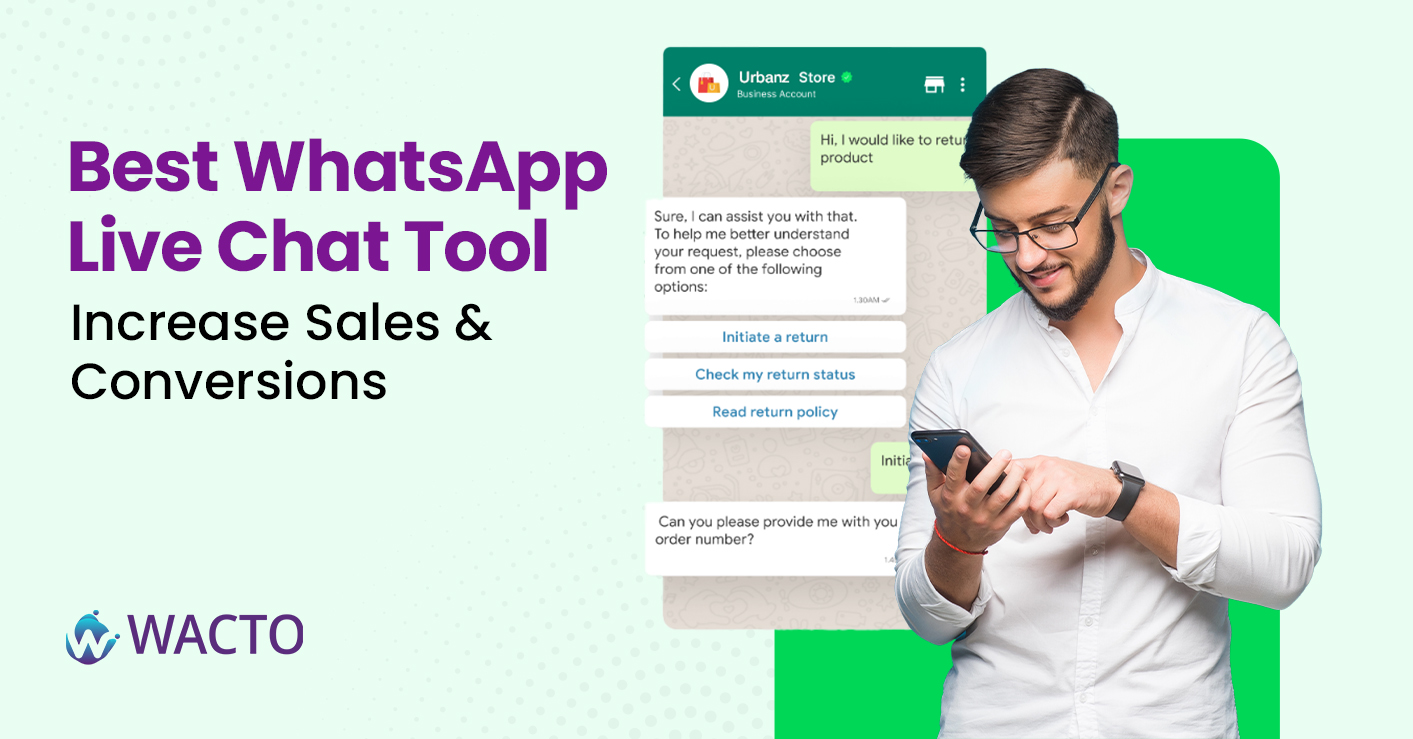
Best Whatsapp Live Chat Tool - Increase Sales and Conversion
We’ve all been there: you’re scrolling a website, ready to buy or book, but you’ve got a quick question. You don’t want to fill out a long form or wait for an email reply. You just want a simple chat. That’s where a WhatsApp Live Chat Tool comes in — an instant, familiar way for visitors to connect with your business.
This guide breaks down what a WhatsApp Live Chat Tool is, how it works, the key features to look for, and why adding one to your site can increase sales and conversions almost overnight.
What is a WhatsApp Live Chat Tool ?
Think of a WhatsApp Live Chat Tool as a friendly digital door greeter for your website. It’s usually a small floating icon or button — technically called a WhatsApp Chat Button for Website — that lets visitors open a direct chat with you on WhatsApp in just one tap.
Unlike traditional contact forms, this tool shifts the interaction into a channel people already know and trust. They don’t have to install anything or remember another password. They simply click and chat. This makes it ideal for e-commerce shops, service providers, and even B2B companies who want to reduce friction and boost customer engagement.
How WhatsApp Live Chat Tool Works?
Here’s a quick peek at how most of these tools function behind the scenes:
Add the WhatsApp Chat Button to Your Website: Using a plugin, snippet, or integration, you place a small chat icon or a branded button that stands out.
Visitors Click the Button: This could be a WhatsApp Contact Button, a WhatsApp Send Button, or even a WhatsApp Share Button, depending on your needs.
WhatsApp Opens Instantly: The customer is taken straight to a WhatsApp conversation with your verified business number.
Automated Greetings Fire: You can welcome them with a friendly message, FAQs, or quick links.
Your Team or Bot Responds: Agents answer queries live, or a chatbot provides instant replies 24/7.
Track and Improve: Most tools include analytics to measure chat volume, response times, and conversion rates.
This seamless flow is why WhatsApp for customer service has become the go-to choice for businesses that value speed and authenticity.
Key Features of the Best Whatsapp Live Chat Software
Not all tools are created equal. If you’re searching for the Best Whatsapp Live Chat Software, here’s what to look for,
Customizable Buttons:
A good Whatsapp Button Generator lets you change colors, text, and placement to match your brand.
Multiple Button Types:
- Whatsapp Contact Button to start chats
- Whatsapp Send Button to send information instantly.
- Whatsapp Share Button so visitors can spread your office.
- Whatsapp Video call button to enable live consultations.
- Whatsapp Block Button on the admin side to control spam or block unwanted contacts.
Automation: Auto greet visitors, send FAQ’s or route chats to the right team.
Team Inbox: A shared dashboard where multiple agents can respond to chats without confusion.
Templates and Quick Replies: Save time with pre-approved messages.
Analytics and Reporting: See which campaigns generate the most conversations and how fast your team responds.
The more flexible the tool, the better you can tailor it to your sales funnel.
Whatsapp Chat Buttons & Functionalist Explained
To make this practical, lets break down the core Whatsapp Chat Buttons you might use:
Whatsapp Contact Button: The basic “ chat with us” button that connects visitors directly to your business chat.
Whatsapp Share Button: Lets your visitors share a page, product, or offer with their own Whatsapp contacts – a powerful word-of-mouth tool.
Whatsapp Send Button: Commonly placed under forms or shopping carts to send data or order details directly to you.
Whatsapp Video Call Button: Ads a high-touch option for live demos or consultations- especially useful for services, real estates, or healthcare providers.
Whatsapp Block Button: A behind-the-scenes control for your admin team to block spammy users or unwanted leads.
Tips for Choosing the Right WhatsApp Live Chat Tool
Match your Audience: If most of your customers use Whatsapp daily, a live chat tool is a no-brainer.
Check Support & Compliance: Make sure your tool follows Whatsapp’s official policies and is approved as a Whatsapp Business API Provider.
Integrate with CRM: Choose a solution that syncs, chats, notes, and leads directly into your sales or marketing system.
Test Automation: Experiment with greeting messages, auto-responses, and templates to see which drives more engagement.
Putting it All Together
Real-Time Engagement: Customers get instant answers instead of waiting hours or days.
Trust & Familiarity: People feel safer chatting on Whatsapp than submitting details into a random web form.
Reduced Drop-Offs: If a customer hesitates to checkout, a chat button can rescue the sale.
More Qualified Leads: Automated pre-chat questions can filter and qualify leads before your team steps in.
Personalized Communications: Send product recommendations, discounts, or follow-ups tailored to each chat.
In short, adding a Whatsapp Chat Button for Website transforms a passive visitor into an active conversation – and conversations convert.
Conclusion
Adding a WhatsApp Live Chat Tool isn’t about adding another button to your website, it’s about building a bridge between your visitors and your team. When someone can ask a quick question via Whatsapp Contact Button, share your offer via Whatsapp Share Button, or even jump on a call through a Whatsapp Video Call Button, you’re removing friction and making it easier to buy from you.
Combine that with automation, analytics, and a strong CRM connection, and you’ve got a full-fledged conversational commerce engine.







