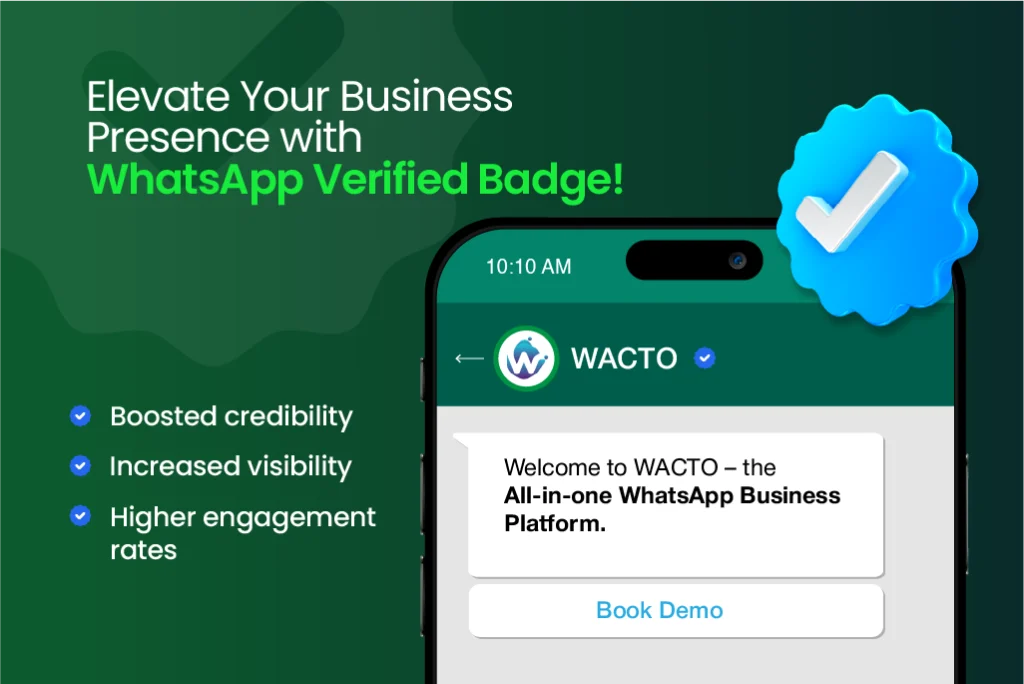
WhatsApp Blue Tick Verification
Get WhatsApp Blue Tick Verification for Businesses
Using WhatsApp Blue Tick Verification will strengthen your brand and build trust. In order to increase client confidence, raise brand awareness, and create a recognized business presence, WACTO assists companies in completing the verification process, satisfying Meta’s standards, and obtaining the official WhatsApp Business Blue Tick.
Β
Powered byΒ Meta Official WhatsApp Business APIΒ
Book Your Free Demo
Weβre here to help and answer any question you might have. We look forward to hearing from you
What Is WhatsApp Blue Tick?
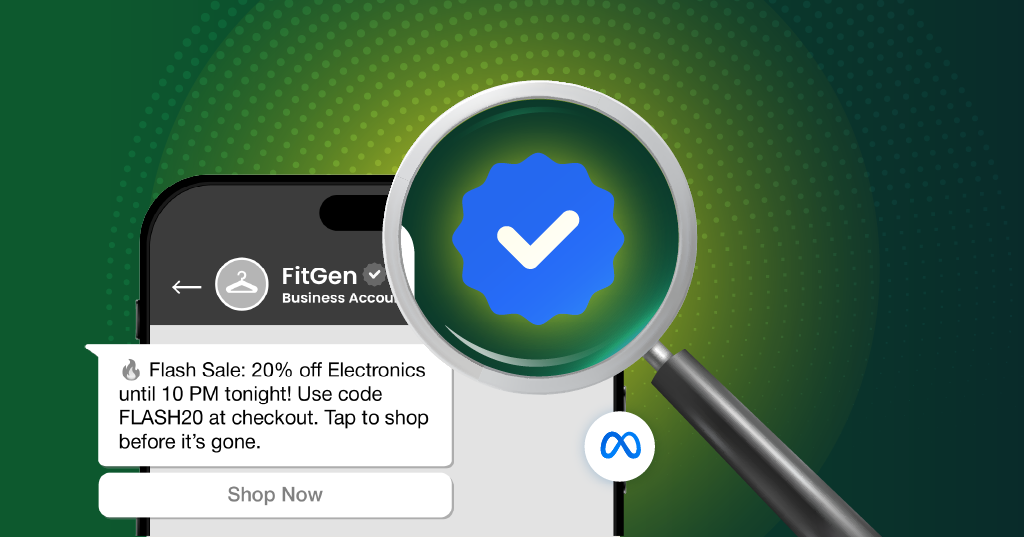
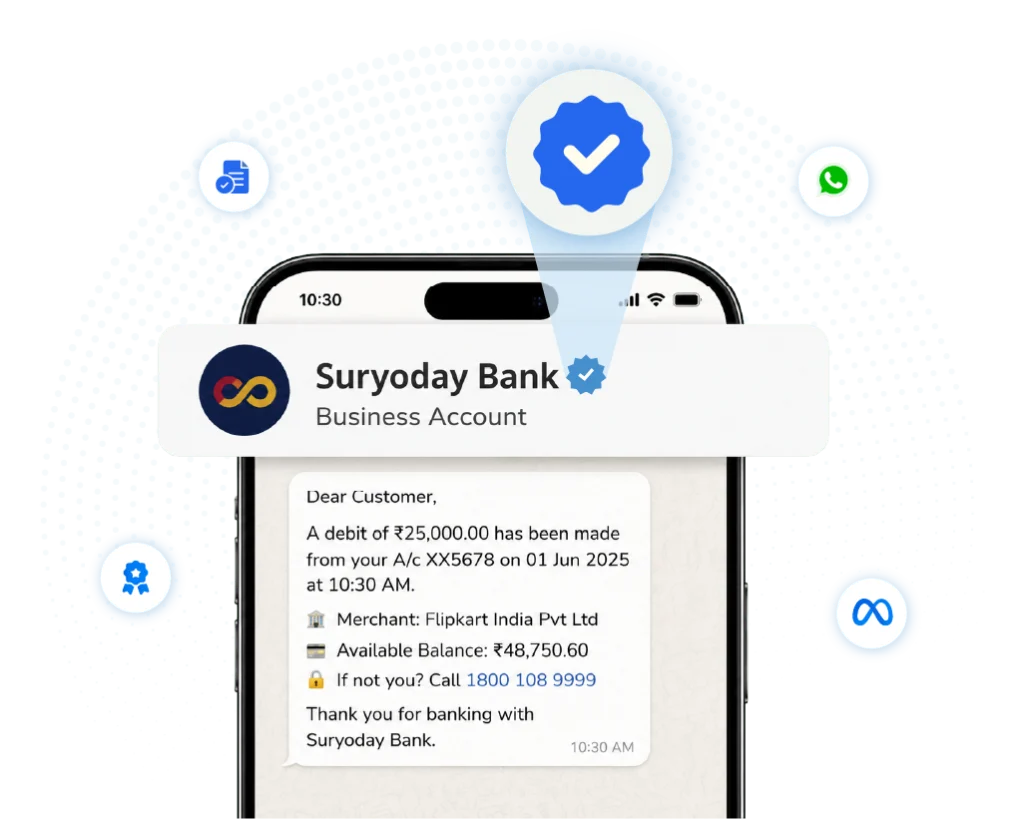
The WhatsApp Blue Tick (earlier WhatsApp Green Tick) is the official verification badge given by Meta to qualified companies that use the WhatsApp Business Platform.Β
Β
It verifies that your business is genuine, assisting clients in recognizing your brand credibility, having trust in your message, and interacting with reliability and customer confidence.
Benefits of WhatsApp Blue Tick for Businesses
A verified WhatsApp Business account builds trust and protects your brand and drives customer engagement. The official whatsApp blue tick helps your business to stand out and communicate with confidence.

Build Brand Credibility and Trust
Customers will feel more confident whenever they interact with a company that has been properly verified.

Improve Customer Engagement
Verified companies give consumers to create a conversation, which increases response rates.

Protect Your Business Identity
Lower the possibility of impersonation and assist clients in recognizing your official business account.

Increase Customer Response Rates
Use the official WhatsApp Business Blue Tick to stand out and improve your brand's visibility in consumer chats.
WhatsApp Blue Tick Eligibility & Requirements
To get the WhatsApp Blue Tick, businesses must meet Meta’s eligibility criteria and complete the verification process. Accurate business details and proper account setup improve approval chances.
- WhatsApp Blue Tick Eligibility - Your business needs to have an authentic brand presence, follow Metaβs policies, and meet the eligibility requirements for verification.
- Required Business Information and Documents - Before you apply, ensure that you have your business registration information, website, contact details, and supporting documents.
- WhatsApp Business Platform Requirements - Keep an active WhatsApp Business account with complete business details and a professional business profile.
- Meta Business Account Requirements - Make sure your Meta Business account is verified and secure, and make sure itβs properly linked to your WhatsApp Business account.
Our WhatsApp Blue Tick Verification Services

WhatsApp Business Account Setup & Verification
To satisfy Meta's verification criteria, properly set up your WhatsApp Business account with all of your business information

Blue Tick Verification Assistance
Get full assistance on how to increase your chances of receiving the official WhatsApp Business Blue Tick.

WhatsApp Blue Tick Application Support
Our experts assist you in precisely and effectively preparing, reviewing, and submitting your verification application.

WhatsApp Business API Integration
Integrate official WhatsApp Business API to automate customer communication and improve customer engagement.
Grow Your Business with WACTO on WhatsApp
Scan the QR code to book a live WhatsApp Business API demo with WACTO.
How the WhatsApp Blue Tick Verification Process Works
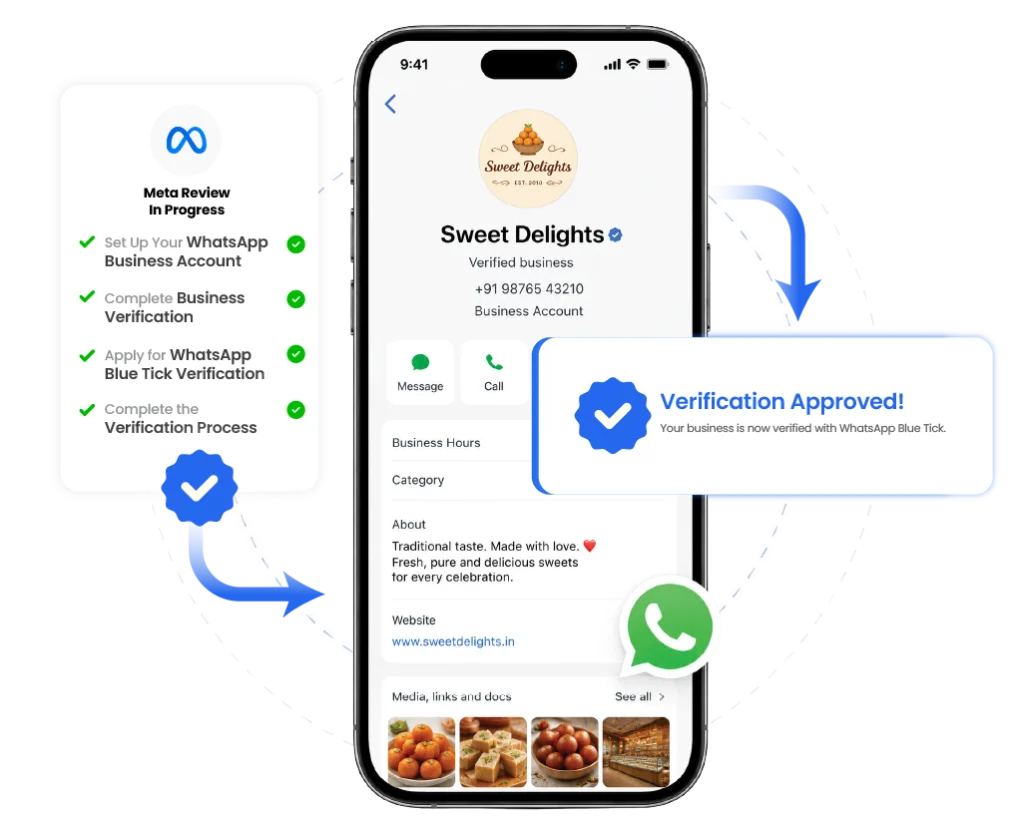
To receive the WhatsApp Blue Tick, you must finish setting up your business, satisfy Meta’s eligibility conditions, and submit a verification request. Follow these simple steps to start the verification process.
- Step 1: Set Up Your WhatsApp Business Account - Create a complete business profile that includes accurate company details, contact information, and branding.
- Step 2: Complete Business Verification - Verify your business through Meta Business Manager by submitting the required documentation and business data.
- Step 3: Apply for WhatsApp Blue Tick Verification - After making sure your business account satisfies Meta's eligibility criteria, submit your verification request.
- Step 4: Complete the Verification Process - Once approved by Meta your company your business receives the official Whatsapp Blue tick verification badge.
WhatsApp Blue Tick Verification for Different Industries
WhatsApp Blue Tick is used by companies in different kinds of sectors to increase client reliability, protect their brand identity, and build trust. Organizations of different scales can easily finish the verification process with WACTO’s assistance.

WhatsApp Verification for E-commerce
With a verified business account that allows safe ordering and shopping, you can gain the trust of your clients.

WhatsApp Verification for Retail
Increase brand trust and provide customers an official channel for product questions and support.

WhatsApp Verification for Healthcare
Help patients in locating your verified healthcare provider for consultations, appointments and medical support.

WhatsApp Verification for Real Estate
Build trust with real estate buyers and respond to questions through an officially verified business account

WhatsApp Verification for Education
Strengthen the trust with students and parents by communicating through a verified educational institution Whatsapp account
WhatsApp Blue Tick vs. WhatsApp Business Verification: Whatβs the Difference?
Although they are often confused, WhatsApp Blue Tick Verification and Meta Business Verification have different purposes. The Blue Tick is awarded to eligible businesses, while Meta Business Verification confirms your business identity with Meta.
| Feature | WhatsApp Business Verification | WhatsApp Blue Tick Verification |
|---|---|---|
| Purpose | Verifies your business with Metasuite. | Displays an official verified badge on your WhatsApp Business account. |
| Requirement | Necessary to access WhatsApp Business API. | Available only to eligible and notable businesses. |
| Trust Factor | Confirms business realness during account setup. | Builds greater customer trust and brand reliability. |
| Process | Part of the onboarding process. | Granted after Meta reviews and approves your application. |
| Eligibility | Required for businesses using WhatsApp Business API. | Limited to recognized and high-profile businesses. |
| Verification Status | Confirms your business is real and legitimate. | Shows an official Meta verified badge. |
| Approval | Completed during account setup and verification process. | Requires Meta approval after review. |
Why Choose Our WhatsApp Blue Tick Verification Service?
WACTO makes the WhatsApp Blue Tick Verification process easy, quick, and stress-free for businesses by assisting them with every stage, from account registration and Business Verification to API integration with expert guidance.
- Expertise in Official WhatsApp Business API - Work with professionals who understand Meta's verification process and business messaging requirements.
- End-to-End Verification Support - From account setup to final approval, we guide you through every step of the verification process.
- Faster and Easy Process - Avoid common mistakes and simplify your verification journey with expert assistance.
- Higher Approval Readiness - We help ensure your application meets Meta's requirements before submission, improving your chances of a successful review.