WACTO

Start Reaching Customers Instantly! 🎉 Pay ₹999 & Unlock 500 FREE Messages.

WhatsApp QR Code

WhatsApp QR Code Generator for Business

Create a WhatsApp QR code for your business to allow customers to easily connect with you. WACTO’s WhatsApp QR Code generator lets you produce a scannable code that is linked to your business’s WhatsApp number, which can be used on websites, packaging, advertisements, brochures, storefronts, and other marketing channels.

Book Your Free Demo

We’re here to answer your questions and help your business grow.

WhatsApp Automation

How to Create a WhatsApp QR Code?

WACTO allows you to quickly and easily create a WhatsApp QR code for your business. Select the WhatsApp number you want customers to connect with, add an optional message that will appear automatically when scanned, generate the QR code, and begin sharing it across your website, promotional materials, product packaging, social media platforms, and other customer interaction points.

Create Your WhatsApp QR Code in 4 Easy Steps

01. Choose Your WhatsApp Number

Select the WhatsApp number you want customers to connect with

02. Add a Custom Message

Add a pre-filled message to help customers start the conversation faster

03. Generate Your WhatsApp QR Code

Create your WhatsApp QR Code instantly and get it ready to use.

04. Share Your QR Code with Customers

Add your QR code to websites, packaging, ads, social media and more
Key Features of WhatsApp Automation

Benefits of Using a WhatsApp QR Code

A WhatsApp QR Code makes it easier for customers to connect with your business without having to search or manually save your phone number. QR Code WhatsApp solutions provide a faster link between your marketing platforms and customer conversations.

Start Conversations Instantly

Let your customers connect with your business on WhatsApp with a quick scan.

Capture More Enquiries

Make it simple for interested buyers to contact you with questions about what you’re selling.

Simplify Customer Communication

Remove unnecessary steps between customer interest and conversation.

Connect Online and Offline Platforms

Use your WhatsApp QR Code on digital and printed marketing mediums

Generate More Lead Opportunities

Transform customer scanning data into meaningful conversations for your sales team to follow up on.

Generate More Leads with WhatsApp QR Codes

Convert customer interest into direct conversations on WhatsApp with a WhatsApp QR Code for Business, no matter where your customers discover you.
Key Features of WhatsApp Automation

Get Started with WhatsApp QR Code for Your Business

Make a WhatsApp QR code with WACTO and turn customer scans into meaningful business conversations.
Scan QR Code

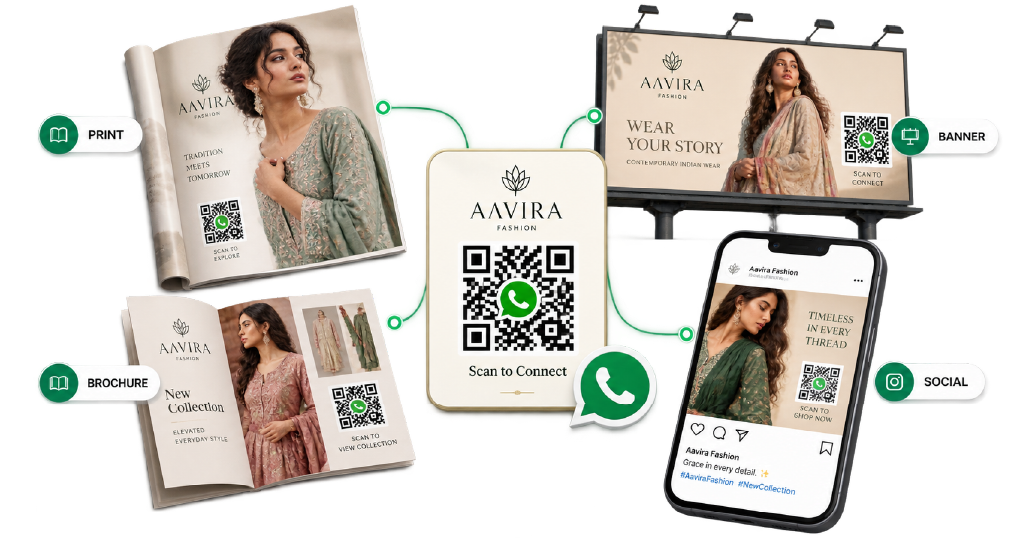
Use WhatsApp QR Codes for Marketing

Add your WhatsApp QR Code to your marketing strategy and give customers an easy way from your campaign to a conversation. Use it in your digital and offline marketing materials to make your WhatsApp presence more accessible.
WhatsApp Automation

Add QR Codes to Marketing Campaigns

Add WhatsApp QR Codes to ads, brochures, banners, packaging, social media and promotional campaigns.
WhatsApp Automation

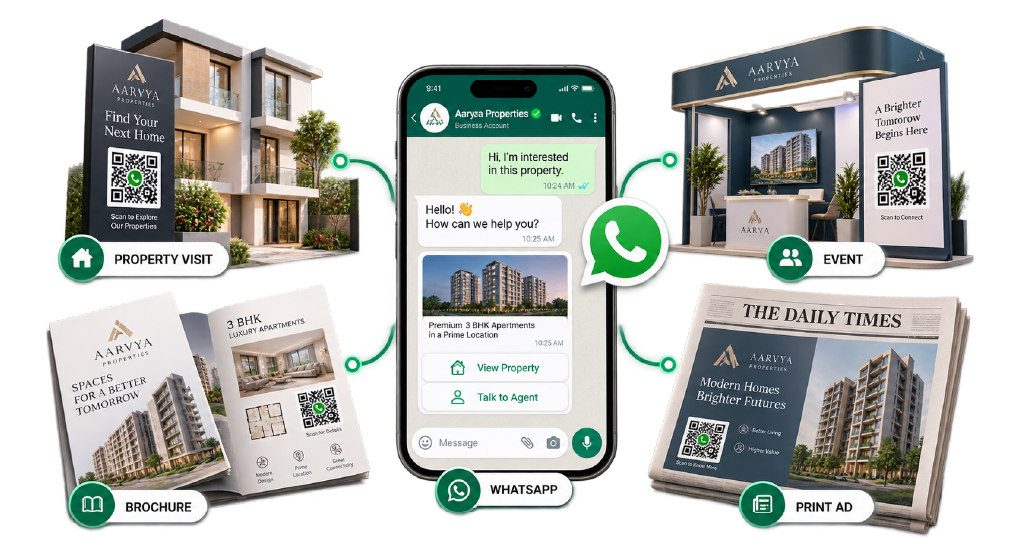
Connect Offline Marketing to WhatsApp

Turn store visits, events, brochures and print ads into one-on-one WhatsApp conversations.
WhatsApp Automation

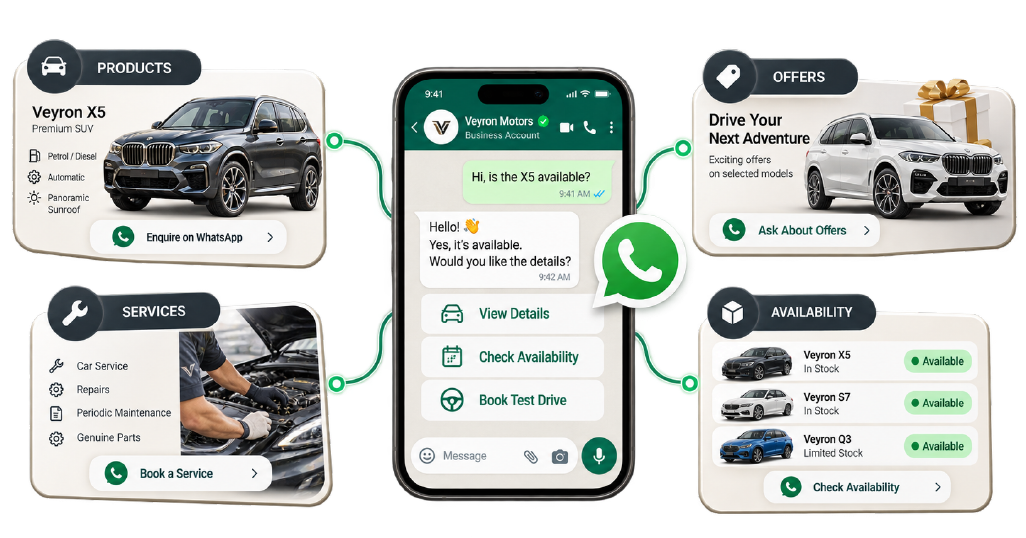
Promote Products and Services

Allow customers to instantly ask about your products, services, offers and availability via WhatsApp.
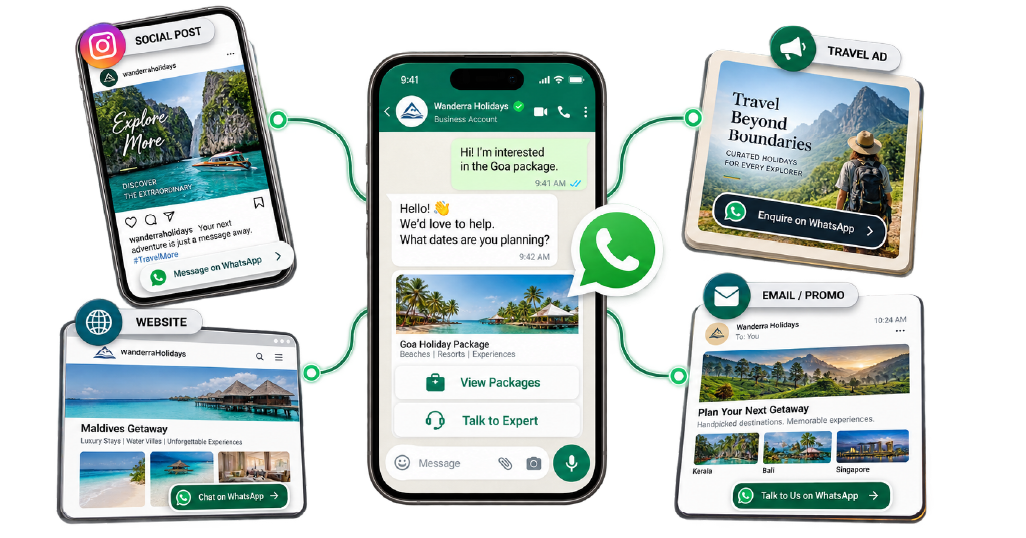
WhatsApp Automation

Drive More Customer Conversations

Transform marketing engagement into direct conversations with your business on WhatsApp.

WhatsApp QR Code Use Cases for Businesses

Businesses can use WhatsApp QR codes to simplify support, product inquiries, sales and marketing conversations throughout the customer journey.

01. QR Codes for Customer Support

Make it easy for your customers to reach out to your support staff for help and service.

02. QR Codes for Product Enquiries

Allow customers to ask for product price, availability, features, offers and purchase options.

03. QR Codes for Sales and Lead Generation

Connect interested customers with your sales team and turn scans into potential leads.

04. QR Codes for Marketing Campaigns

Use QR codes into your campaigns to guide interested customers directly into WhatsApp.
Key Features of WhatsApp Automation

WhatsApp QR Code Solutions for Different Industries

A WhatsApp QR Code for Business allows businesses from all sectors to make customer communication faster and more accessible. Use WhatsApp Business QR Codes on ads, storefronts, brochures, packaging and other customer touchpoints to ignite direct conversations.
Healthcare Icon

Healthcare

Automate appointment booking, inquiries and communication about services via WhatsApp for patients

Education Icon

Education

Help students and parents to get instant answers to questions about admissions, courses, fees and programs.

Real Estate Icon

Real Estate

Turn property ads, brochures and listings into WhatsApp inquiries from potential buyers.

E-commerce Icon

Retail and eCommerce

Allow customers to inquire about products, offers, availability, orders and support via WhatsApp.

Why Choose Our WhatsApp QR Code Service?

WACTO’s WhatsApp QR Code Service simplifies the creation and use of QR codes for business communication, marketing, sales and customer support. Our WhatsApp QR Code Generator allows you to generate a QR code for business that direct your customers to your WhatsApp chats directly.
WhatsApp Automation Company in India

Frequently Asked Questions (FAQs)

What Is a WhatsApp Web QR Code?
A Whatsapp Web QR Code is used to link your whatsapp account to Whatsapp web on a Computer
Scan the QR code that appears on WhatsApp Web, use Whatsapp on your phone to link your account.
Open WhatsApp Web on your computer and use Linked Devices in WhatsApp to scan the QR code that appears.
To perform a WhatsApp Scan, open WhatsApp, go to Linked Devices,click on Link a Device and scan the QR code that appears on your computer
Use WhatsApps Linked Devices option to scan the QR code displayed when connecting WhatsApp to a web browser.
You can find QR code options within WhatsApp settings while business QR codes can be created separately for customer conversations.
Yes. It is possible to use WhatsApp on web with a QR code to securely link your WhatsApp account to your computer