

How to Enable OTP on WhatsApp for Businesses
You’ve probably noticed it—more and more businesses are sending their OTP on WhatsApp (one-time passwords) right inside WhatsApp instead of SMS. And honestly? It makes sense. People check WhatsApp way more than their text inbox.
If you’re running a business, using WhatsApp OTP is like putting your verification process in the fast lane. No delays, no “message not delivered” drama, and customers get that instant ping on their phone.
Why WhatsApp OTP is Becoming a Big Deal
Here’s the thing: people trust WhatsApp messages. They read them faster, and they’re less likely to be missed.
For businesses, this means:
- Higher OTP delivery rates.
- Happier customers who don’t have to refresh their SMS inbox 12 times.
- A smoother onboarding or payment process.
And if you’re wondering, yes, there’s even such a thing as an unlimited OTP bot for WhatsApp. That’s basically automation magic, sending secure codes to your customers without you lifting a finger.
Step-by-Step: How to Enable OTP on WhatsApp for Your Business
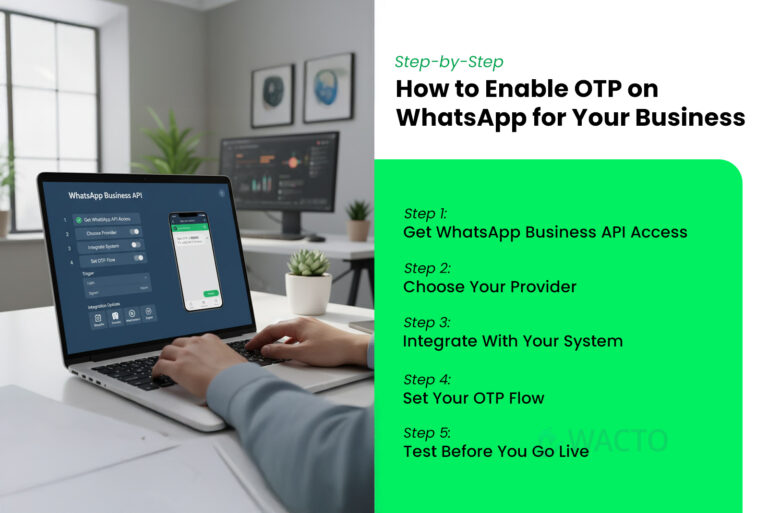
Step 1: Get WhatsApp Business API Access
You can’t just use the normal app for this. The API is what allows you to send automated OTPs, notifications, and even use a bulk WhatsApp sender if needed.
Step 2: Choose Your Provider
Pick a reliable service that integrates OTP flows into WhatsApp. Look for security, delivery rates, and easy setup.
Step 3: Integrate With Your System
If you’re verifying users for login, payments, or signups, connect your platform with the WhatsApp Business API. Most providers have plug-and-play options for popular CRMs and eCommerce platforms.
Step 4: Set Your OTP Flow
Trigger: What action requires the OTP? (Login, payment, signup, etc.)
Message format: Keep it short and clear.
Example: “Your OTP is 458392. It’s valid for 5 minutes.”
Step 5: Test Before You Go Live
Send OTPs to yourself, your team, maybe even your mom—just to check delivery speed and accuracy.
Bonus – Sending Bulk Whatsapp Messaging without being Spammy
While we’re here—yes, you can use the same setup for sending bulk WhatsApp messages.
Whether it’s transactional updates or a gentle “Hey, don’t forget your appointment,” a bulk WhatsApp sender can save hours of manual work.
The trick? Don’t blast irrelevant stuff. Customers will block you faster than you can say “unsubscribe.”
Whatsapp OTP vs Whatsapp SMS – The quick Reality Check
Delivery Speed – WhatsApp delivery speed is very high. Even though a high rate of users are using the App. WhatsApp usually wins.
Open Rate – Almost 98% on WhatsApp, way higher than SMS. The most highly used App is WhatsApp only.
Cost – Depends on your provider, but often worth the improved reliability.
Conclusion
Switching to WhatsApp OTP isn’t just about being trendy—it’s about meeting your customers where they actually are. Combine it with tools like an unlimited OTP bot for WhatsApp or a WhatsApp bulk message sender, and you’ve got a communication system that’s fast, reliable, and, honestly, just a better experience for everyone involved.
Your customers get their codes instantly. You get fewer “I didn’t get my OTP” support tickets. And everybody wins.







